1win Registration Process in Canada
Creating a new account on 1win gives you full access to a wide range of casino games and sports betting markets available to players in Canada. The registration process is straightforward and supports multiple methods, including one-click sign up, phone number, email, and social media login. Once your account is created, you can make deposits, request withdrawals, and place real-money bets across all sections of the platform. New users from Canada are eligible for a welcome package of up to CAD 3,000 with a 500% bonus spread across the first four deposits, weekly casino cashback of up to approximately 30%, 70 free spins on deposit, and an express bet bonus of up to approximately 15% extra on accumulator bets.
How to Register on 1win: All Available Methods
The platform offers several ways to complete the sign up process, so you can choose the option that fits your preferences. You can create an account in under a minute using the method that suits you best. All methods lead to the same verified account with full access to casino and sports features.
Available registration methods:
- One-click sign up;
- By phone number;
- By email address;
- Via social media account.
One-Click Sign Up
This is the fastest way to register online. You provide minimal information upfront, and your account is created instantly.
- Open the 1win website and click the "Register" button.
- Select the "One Click" tab on the registration form.
- Choose your preferred currency, including CAD.
- Click "Register" to confirm.
- Save your auto-generated login credentials before closing the window.
Registration by Phone Number
This method links your account directly to your mobile number, making it easier to recover access later. A confirmation code is sent to verify your number.
- Click the "Register" button on the official site.
- Select the "Phone" tab in the registration form.
- Enter your phone number and choose your currency.
- Enter the verification code sent to your phone.
- Set a password and complete the sign up.
Registration by Email
Email registration lets you set your own credentials from the start and is a reliable option for users who prefer account access tied to an email address.
- Click "Register" on the site.
- Select the "Email" tab.
- Enter a valid email address and create a password.
- Fill in any required personal details and select CAD as your currency.
- Confirm your email address via the link sent to your inbox.
Registration via Social Media
This option allows you to create an account using an existing social media profile, which removes the need to fill in separate credentials.
- Click the "Register" button on the platform.
- Select the social media option from the registration form.
- Choose your preferred social media account.
- Authorize the connection and confirm account creation.
- Set a currency and review your new account details.
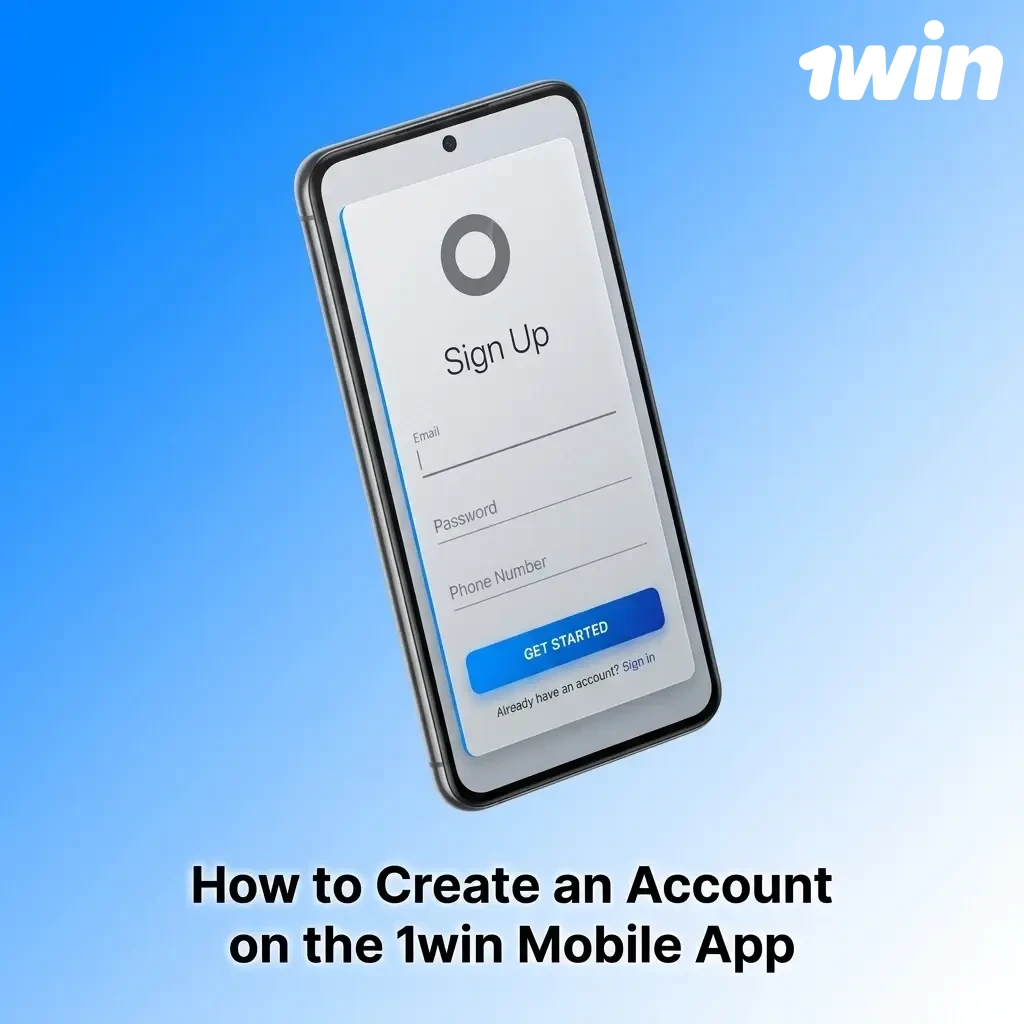
How to Create an Account on the 1win Mobile App
The mobile app provides a dedicated environment for registration that is optimized for smaller screens and touch navigation. The process follows the same steps as the desktop site, but the layout is adapted for mobile use, giving you a more comfortable experience on the go. If the app is not available for direct download in your region, you can access the same functionality through the mobile browser version of the site.
- Download and install: Visit the official 1win website on your mobile device and download the app for iOS or Android, then install it by following the on-screen instructions.
- Open and navigate: Launch the app and tap the "Register" button displayed on the main screen.
- Choose your method: Select one of the available registration methods, including one-click, phone number, email, or social media, and complete the required fields.
- Set your currency: Choose CAD as your preferred currency before confirming your new account.
- Confirm and access: Complete the sign up by following any final verification steps, then log in to start using your account.
Account Registration Requirements
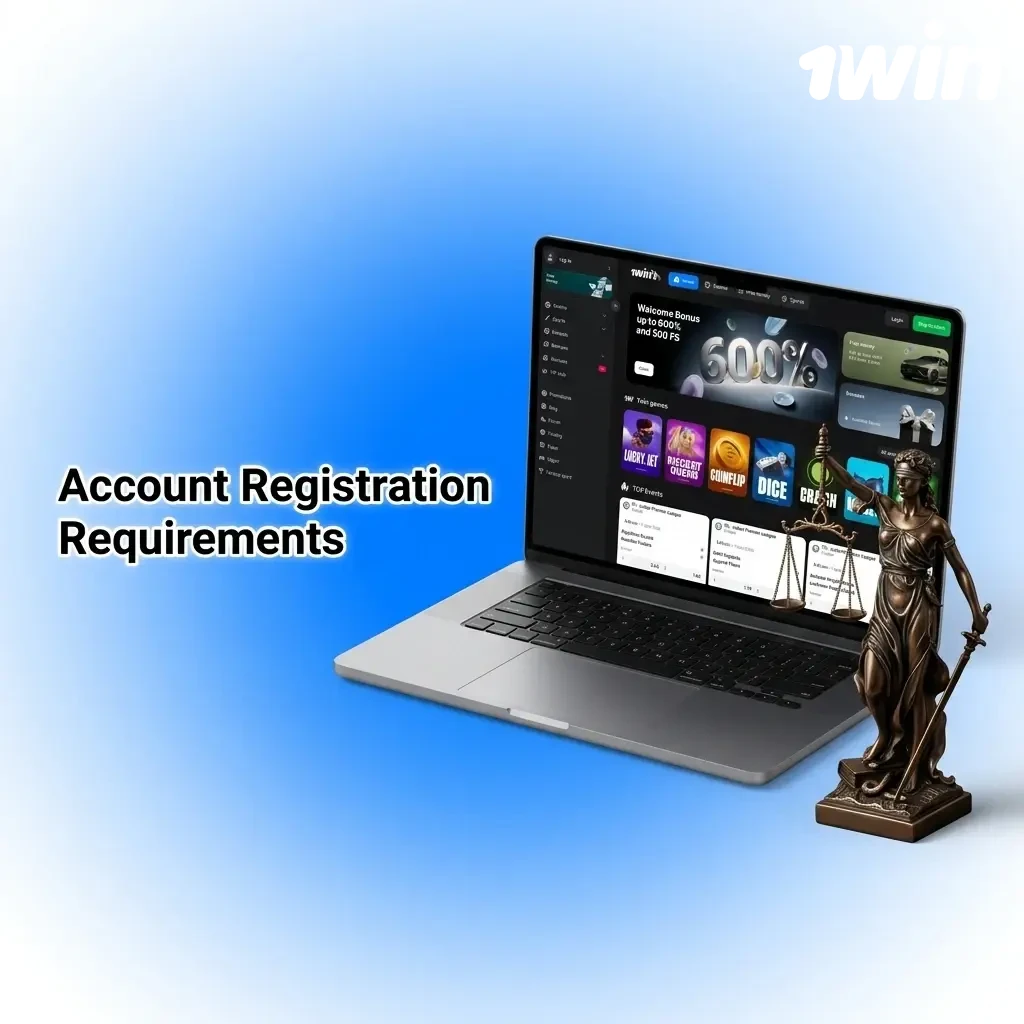
Before completing the 1win registration process, you must confirm that you meet the eligibility conditions set by the platform and comply with Canadian gambling regulations. All users must be of legal gambling age in their province or territory, which is 19 years of age in most Canadian provinces and 18 in Alberta, Manitoba, and Quebec. You are permitted to hold only one personal account on the platform, and any attempt to create duplicate accounts may result in suspension. You must provide accurate personal information during and after registration, as this information is used during the identity verification process.
- You must be at least 18 or 19 years of age, depending on your province or territory;
- You must reside in a jurisdiction where online gambling is permitted;
- Only one account per person is allowed;
- You must provide truthful and accurate personal details;
- You must not be registered on any self-exclusion list or be prohibited from gambling by any applicable law.
How to Log In to Your 1win Account
Accessing your account after the initial sign up takes only a few seconds. Follow the steps below to sign in.
- Click the "Login" button located at the top of the official website or app.
- Enter the credentials associated with your chosen registration method: your phone number, email address, or social media account.
- Enter your password or complete the required authorization step for your selected method.
- Click "Sign In" to access your personal account.
Account Verification on 1win
Verification is the process of confirming your identity on the platform. It is required before you can process withdrawal requests, and it also protects your account from unauthorized access. Completing verification ensures your personal account is fully active and compliant with the platform’s security standards. The process typically involves submitting identification documents and may be requested at any point after registration.
- Log in to your personal account and navigate to the profile or settings section.
- Locate the verification or KYC section and review the list of required documents.
- Upload a government-issued photo ID, such as a passport or driver’s licence.
- Submit proof of address, such as a utility bill or bank statement dated within the last three months.
- Wait for the review to be completed; you will be notified once your account is verified and full access to withdrawals is confirmed.
Welcome Bonuses for New Users from Canada
After completing your registration, you become eligible for several new user promotions available on the 1win platform in Canada. Bonuses are available for both the casino section and the sports betting section, so your preferred area of play determines which offers apply. You can claim multiple bonus types depending on how you use your account.
Casino Welcome Bonus
New casino users receive a deposit bonus spread across four consecutive deposits, giving you an extended boost during your first sessions on the platform.
| Detail | Information |
|---|---|
| Bonus Size | 500% across first 4 deposits, up to CAD 3,000 total |
| How to Claim | Make a qualifying deposit after registration and activate the bonus in your account |
| Minimum Deposit | Check current terms in your account for the applicable minimum |
| Wagering Requirements | The bonus amount must be wagered a specified number of times before withdrawal |
| Free Spins | 70 free spins credited on deposit, subject to applicable terms |
| Cashback | Weekly casino cashback of up to approximately 30% on net losses |
Sports Betting Bonus
For sports bettors, the platform offers an express bet bonus that rewards you for placing accumulator bets. The bigger your accumulator, the higher the additional percentage you can receive.
| Detail | Information |
|---|---|
| Bonus Type | Express bet bonus on accumulator bets |
| Bonus Size | Up to approximately 15% extra on qualifying accumulator bets |
| How to Claim | Build an accumulator bet with the required number of selections and the bonus is applied automatically |
| Minimum Deposit | Refer to the current bonus terms in your account |
| Wagering Requirements | Standard sports betting terms apply; review the full conditions in the promotions section |

Your Personal Account Overview
Once you complete your sign up, a personal account area becomes available to you with tools to manage every aspect of your activity on the platform. The following features are accessible exclusively to registered users.
- Deposit and Withdrawal: Add funds to your account or request a payout using a range of available payment methods, including options commonly used in Canada.
- Bonus Centre: View all active and available promotions, track your progress toward wagering requirements, and claim new offers as they become available.
- Bet History: Access a full record of your past sports bets, including stake amounts, odds, and outcomes.
- Game History: Review your previous casino game sessions, including details on wins and losses.
- Account Settings: Update your personal details, change your password, and manage your communication preferences.
- Verification Centre: Upload and manage your identity documents for KYC purposes, and check the current status of your verification.
- Responsible Gambling Tools: Set deposit limits, session time limits, or request a self-exclusion period directly from your account.
- Transaction History: View a detailed log of all deposits, withdrawals, and bonus transactions linked to your account.
Common Registration Problems and Solutions
A small number of users encounter issues during the 1win sign up process. The table below covers the most frequent problems and explains how to resolve each one.
| Problem | Solution |
|---|---|
| The registration form is not loading | Clear your browser cache, disable any active VPN, and reload the official site. Try a different browser if the issue persists. |
| Verification SMS or email code is not arriving | Check your spam or junk folder for email codes. For SMS, confirm the phone number entered is correct and wait up to five minutes before requesting a new code. |
| A message states that an account already exists | You may have registered previously using a different method. Use the account recovery option on the login page to regain access. |
| Currency cannot be changed after registration | Currency selection is final at the point of registration. Contact customer support if you need to discuss your account currency. |
| Social media authorization is failing | Ensure your social media account is active and that you are currently logged in to it. Try the connection again or choose an alternative registration method. |
How to Delete Your Personal Account
If you decide to close your account, you can submit a deletion request through the support team. Before doing so, make sure to withdraw any remaining balance.
- Log in to your account and withdraw any available funds before proceeding.
- Navigate to the account settings section and look for a closure or deletion option; if none is available directly, proceed to the next step.
- Contact the 1win customer support team via live chat or email, and submit a formal account deletion request with your account details.
- Confirm your identity as requested by the support team and wait for confirmation that your personal account has been permanently closed.
Frequently Asked Questions About 1win Registration
How long does the 1win sign up process take?
The one-click method takes under a minute. Email and phone registration typically take two to three minutes, including the confirmation step.
Can you register on 1win from any province in Canada?
You can create an account if you are located in a province where online gambling with international operators is not explicitly prohibited. You are responsible for confirming that participation is permitted under the laws of your specific province.
Is it possible to register multiple accounts?
No. Only one account per person is permitted on the platform. Creating duplicate accounts is a violation of the terms and may result in permanent suspension of all associated accounts.
Do you need to verify your account immediately after registration?
Verification is not required immediately after you create your account. However, it must be completed before you can process a withdrawal. It is recommended to complete the process early to avoid delays later.
What information is required to complete the registration online?
The minimum information required depends on your chosen method. One-click registration requires only a currency selection. Phone and email methods require contact details and a password. Full personal details, including name and date of birth, are collected during the verification stage.
Updated: